28 min to read
Python Class Decorators: A Complete Guide to @property, @dataclass, and More
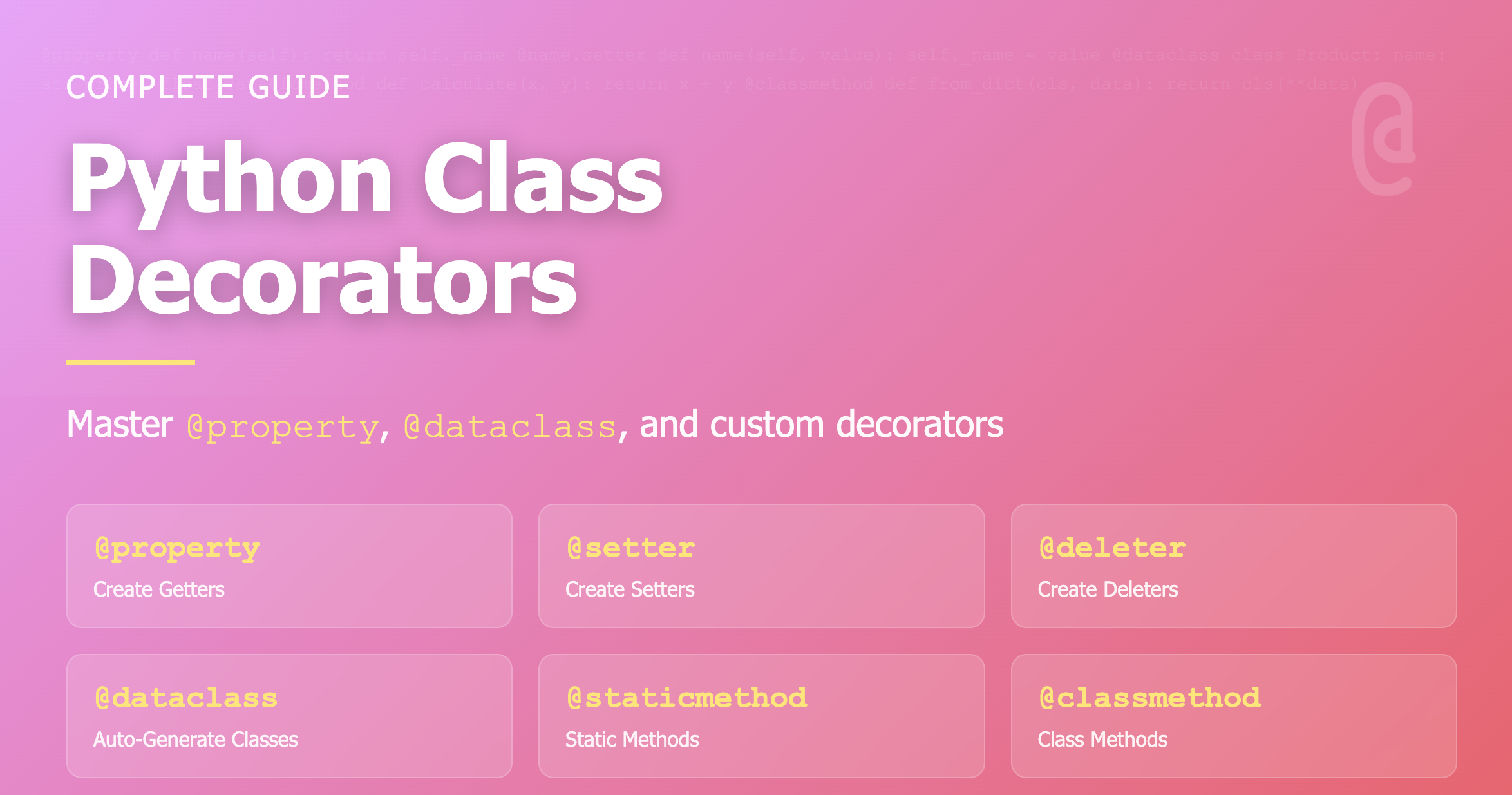
Master property decorators, dataclasses, and custom decorators for elegant Python code
Overview
Decorators are one of Python’s most powerful features that make your code concise and elegant. Understanding class decorators is essential for writing clean, maintainable object-oriented code.
Decorators provide a way to modify or enhance classes and methods without changing their source code. They enable you to add functionality in a clean, readable way while following the principle of separation of concerns. From built-in decorators like @property and @dataclass to custom decorators, mastering these tools will significantly improve your Python programming skills.
1. @property: Creating Getters
The @property decorator allows you to use methods as if they were attributes, providing a clean interface for accessing computed values.
Basic Example
class Circle:
    def __init__(self, radius):
        self._radius = radius

    @property
    def radius(self):
        """Radius getter"""
        return self._radius

    @property
    def diameter(self):
        """Calculate diameter"""
        return self._radius * 2

    @property
    def area(self):
        """Calculate area"""
        return 3.14159 * self._radius ** 2

# Usage
circle = Circle(5)
print(circle.radius)    # 5 - No need for parentheses!
print(circle.diameter)  # 10
print(circle.area)      # 78.53975
Key Advantages
Clean Interface:
- Use methods like attributes without parentheses
- Access computed values as if they were simple attributes
- Hide internal implementation details
Read-Only Properties:
- Properties without setters are automatically read-only
- Prevent accidental modification of calculated values
- Clear separation between data and computed values
Backward Compatibility:
- Can convert attributes to properties without breaking existing code
- Add validation or computation logic without changing the interface
When to Use @property
Use @property when you need to:
- Compute values on-the-fly from other attributes
- Provide a clean, attribute-like interface for methods
- Create read-only attributes
- Add logic when accessing an attribute (logging, validation, etc.)
2. @property.setter: Creating Setters
The setter decorator allows you to add validation logic or additional processing when setting attribute values.
Basic Example
class Person:
    def __init__(self, name, age):
        self._name = name
        self._age = age

    @property
    def age(self):
        return self._age

    @age.setter
    def age(self, value):
        if value < 0:
            raise ValueError("Age cannot be negative!")
        if value > 150:
            raise ValueError("Age is too high!")
        self._age = value

    @property
    def name(self):
        return self._name

    @name.setter
    def name(self, value):
        if not value or not value.strip():
            raise ValueError("Name cannot be empty!")
        self._name = value.strip()

# Usage
person = Person("John", 25)
print(person.age)  # 25

person.age = 30    # Calls setter
print(person.age)  # 30

person.age = -5    # ValueError: Age cannot be negative!
Why Use Setters?
Data Validation:
- Ensure values meet specific criteria before assignment
- Prevent invalid states in your objects
- Provide clear error messages for invalid inputs
Side Effects:
- Trigger additional actions when values change
- Update dependent attributes automatically
- Log changes for debugging or auditing
Encapsulation:
- Hide internal implementation details
- Change internal representation without affecting external code
- Maintain object invariants
Validation Patterns
class Temperature:
    def __init__(self, celsius):
        self._celsius = celsius

    @property
    def celsius(self):
        return self._celsius

    @celsius.setter
    def celsius(self, value):
        if not isinstance(value, (int, float)):
            raise TypeError("Temperature must be a number")
        if value < -273.15:
            raise ValueError("Temperature below absolute zero!")
        self._celsius = value

    @property
    def fahrenheit(self):
        return self._celsius * 9/5 + 32

    @fahrenheit.setter
    def fahrenheit(self, value):
        self.celsius = (value - 32) * 5/9

temp = Temperature(25)
print(temp.celsius)      # 25
print(temp.fahrenheit)   # 77.0

temp.fahrenheit = 86
print(temp.celsius)      # 30.0
3. @property.deleter: Creating Deleters
The deleter decorator defines behavior when an attribute is deleted using the del statement.
Basic Example
class BankAccount:
    def __init__(self, balance):
        self._balance = balance

    @property
    def balance(self):
        return self._balance

    @balance.setter
    def balance(self, value):
        if value < 0:
            raise ValueError("Balance cannot be negative!")
        self._balance = value

    @balance.deleter
    def balance(self):
        print("Resetting account.")
        self._balance = 0

# Usage
account = BankAccount(10000)
print(account.balance)  # 10000

del account.balance  # Resetting account.
print(account.balance)  # 0
Practical Use Cases
Resource Cleanup:
class CachedData:
    def __init__(self):
        self._cache = None
        self._cache_size = 0

    @property
    def cache(self):
        return self._cache

    @cache.setter
    def cache(self, value):
        self._cache = value
        self._cache_size = len(value) if value else 0

    @cache.deleter
    def cache(self):
        print(f"Clearing {self._cache_size} bytes from cache")
        self._cache = None
        self._cache_size = 0

data = CachedData()
data.cache = [1, 2, 3, 4, 5]
del data.cache  # Clearing 5 bytes from cache
4. @dataclass: Auto-Generating Classes
Introduced in Python 3.7, @dataclass reduces boilerplate code by automatically generating special methods.
Basic Example
from dataclasses import dataclass, field
from typing import List

# Traditional class
class PersonOld:
    def __init__(self, name, age, email):
        self.name = name
        self.age = age
        self.email = email

    def __repr__(self):
        return f"Person(name={self.name}, age={self.age}, email={self.email})"

    def __eq__(self, other):
        return (self.name == other.name and
                self.age == other.age and
                self.email == other.email)

# Using @dataclass
@dataclass
class Person:
    name: str
    age: int
    email: str
    hobbies: List[str] = field(default_factory=list)  # Default value

# Usage
person1 = Person("John", 25, "john@email.com")
person2 = Person("John", 25, "john@email.com")

print(person1)  # Person(name='John', age=25, email='john@email.com', hobbies=[])
print(person1 == person2)  # True - __eq__ auto-generated!
@dataclass Options
@dataclass(
    frozen=True,      # Make immutable
    order=True,       # Add comparison operators (<, >, <=, >=)
    eq=True,          # Add == operator (default True)
    repr=True         # Auto-generate __repr__ (default True)
)
class Product:
    name: str
    price: int
    stock: int = 0  # Default value

# Frozen example
@dataclass(frozen=True)
class Point:
    x: int
    y: int

point = Point(3, 4)
# point.x = 5  # FrozenInstanceError: cannot assign to field 'x'
Advanced Features
from dataclasses import dataclass, field, asdict, astuple

@dataclass
class Student:
    name: str
    age: int
    grades: List[int] = field(default_factory=list)
    _id: int = field(default=0, repr=False)  # Not shown in repr

    def __post_init__(self):
        """Called after __init__"""
        if not self._id:
            self._id = id(self)

    @property
    def average_grade(self):
        return sum(self.grades) / len(self.grades) if self.grades else 0

student = Student("Alice", 20, [85, 90, 95])
print(student)
print(f"Average: {student.average_grade}")  # Average: 90.0

# Convert to dict or tuple
print(asdict(student))   # {'name': 'Alice', 'age': 20, 'grades': [85, 90, 95]}
print(astuple(student))  # ('Alice', 20, [85, 90, 95])
5. Class Decorators: Modifying Classes
Class decorators can modify or enhance entire classes, not just methods.
Singleton Pattern
def singleton(cls):
    """Singleton pattern decorator"""
    instances = {}

    def get_instance(*args, **kwargs):
        if cls not in instances:
            instances[cls] = cls(*args, **kwargs)
        return instances[cls]

    return get_instance

@singleton
class Database:
    def __init__(self):
        print("Creating database connection!")
        self.connection = "Connected"

# Usage
db1 = Database()  # Creating database connection!
db2 = Database()  # No output - returns same instance
print(db1 is db2)  # True
Adding Functionality to All Methods
def log_methods(cls):
    """Decorator to log all method calls"""
    for name, method in cls.__dict__.items():
        if callable(method):
            setattr(cls, name, log_call(method))
    return cls

def log_call(func):
    def wrapper(*args, **kwargs):
        print(f"Calling {func.__name__}")
        return func(*args, **kwargs)
    return wrapper

@log_methods
class Calculator:
    def add(self, a, b):
        return a + b

    def multiply(self, a, b):
        return a * b

calc = Calculator()
print(calc.add(2, 3))      # Calling add, 5
print(calc.multiply(4, 5)) # Calling multiply, 20
Auto-Register Pattern
_registry = {}

def register_class(cls):
    """Auto-register classes"""
    _registry[cls.__name__] = cls
    return cls

@register_class
class UserHandler:
    pass

@register_class
class AdminHandler:
    pass

print(_registry)
# {'UserHandler': <class '__main__.UserHandler'>,
#  'AdminHandler': <class '__main__.AdminHandler'>}
6. Method Decorators: Performance Measurement
Decorators can add functionality to individual methods, such as timing or caching.
Timing Decorator
import time
from functools import wraps

def timer(func):
    """Measure function execution time"""
    @wraps(func)
    def wrapper(*args, **kwargs):
        start = time.time()
        result = func(*args, **kwargs)
        end = time.time()
        print(f"{func.__name__} execution time: {end - start:.4f}s")
        return result
    return wrapper

class DataProcessor:
    @timer
    def process_large_data(self, data_size):
        """Simulate large data processing"""
        total = 0
        for i in range(data_size):
            total += i
        return total

# Usage
processor = DataProcessor()
result = processor.process_large_data(1000000)
# process_large_data execution time: 0.0234s
Caching Decorator
from functools import wraps

def memoize(func):
    """Cache function results"""
    cache = {}

    @wraps(func)
    def wrapper(*args):
        if args not in cache:
            cache[args] = func(*args)
        return cache[args]
    return wrapper

class MathOperations:
    @memoize
    def fibonacci(self, n):
        """Calculate Fibonacci number"""
        if n < 2:
            return n
        return self.fibonacci(n-1) + self.fibonacci(n-2)

math_ops = MathOperations()
print(math_ops.fibonacci(10))   # Calculated and cached
print(math_ops.fibonacci(10))   # Retrieved from cache
Retry Decorator
import time
from functools import wraps

def retry(max_attempts=3, delay=1):
    """Retry decorator with exponential backoff"""
    def decorator(func):
        @wraps(func)
        def wrapper(*args, **kwargs):
            attempts = 0
            while attempts < max_attempts:
                try:
                    return func(*args, **kwargs)
                except Exception as e:
                    attempts += 1
                    if attempts == max_attempts:
                        raise
                    print(f"Attempt {attempts} failed: {e}")
                    time.sleep(delay * attempts)
            return None
        return wrapper
    return decorator

class NetworkService:
    @retry(max_attempts=3, delay=1)
    def fetch_data(self, url):
        """Fetch data with retry logic"""
        # Simulate network request
        import random
        if random.random() < 0.7:
            raise ConnectionError("Network error")
        return f"Data from {url}"

service = NetworkService()
result = service.fetch_data("https://api.example.com")
7. Practical Example: Combining All Decorators
A comprehensive example that demonstrates various decorators working together.
from dataclasses import dataclass
from functools import wraps

def validate_positive(func):
    """Validate positive numbers"""
    @wraps(func)
    def wrapper(self, value):
        if value <= 0:
            raise ValueError(f"{func.__name__}: Only positive values allowed!")
        return func(self, value)
    return wrapper

class Product:
    def __init__(self, name, price, stock):
        self._name = name
        self._price = price
        self._stock = stock

    @property
    def name(self):
        return self._name

    @property
    def price(self):
        return self._price

    @price.setter
    @validate_positive
    def price(self, value):
        self._price = value

    @property
    def stock(self):
        return self._stock

    @stock.setter
    @validate_positive
    def stock(self, value):
        self._stock = value

    @property
    def total_value(self):
        """Calculate total inventory value"""
        return self._price * self._stock

    @staticmethod
    def apply_tax(price, tax_rate=0.1):
        """Calculate price with tax"""
        return price * (1 + tax_rate)

    @classmethod
    def create_bundle(cls, name, items):
        """Create bundle product"""
        total_price = sum(item.price for item in items)
        total_stock = min(item.stock for item in items)
        return cls(name, total_price, total_stock)

# Usage
laptop = Product("Laptop", 1000, 50)
print(laptop.total_value)  # 50000

laptop.price = 1200  # Setter with validation
print(laptop.total_value)  # 60000

print(Product.apply_tax(laptop.price))  # 1320.0

laptop.price = -100  # ValueError: price: Only positive values allowed!
Advanced Example: Complete E-commerce Product
from dataclasses import dataclass, field
from typing import List
from datetime import datetime

def audit_log(func):
    """Log all changes"""
    @wraps(func)
    def wrapper(self, *args, **kwargs):
        result = func(self, *args, **kwargs)
        self._log_change(func.__name__, args, kwargs)
        return result
    return wrapper

@dataclass
class Review:
    rating: int
    comment: str
    author: str
    date: datetime = field(default_factory=datetime.now)

    def __post_init__(self):
        if not 1 <= self.rating <= 5:
            raise ValueError("Rating must be between 1 and 5")

class AdvancedProduct:
    def __init__(self, name, base_price, stock):
        self._name = name
        self._base_price = base_price
        self._stock = stock
        self._discount = 0
        self._reviews: List[Review] = []
        self._change_log: List[str] = []

    def _log_change(self, action, args, kwargs):
        """Internal logging"""
        timestamp = datetime.now().isoformat()
        self._change_log.append(f"[{timestamp}] {action}: {args}, {kwargs}")

    @property
    def name(self):
        return self._name

    @property
    def price(self):
        """Calculate price with discount"""
        return self._base_price * (1 - self._discount)

    @property
    def base_price(self):
        return self._base_price

    @base_price.setter
    @audit_log
    def base_price(self, value):
        if value <= 0:
            raise ValueError("Price must be positive")
        self._base_price = value

    @property
    def discount(self):
        return self._discount

    @discount.setter
    @audit_log
    def discount(self, value):
        if not 0 <= value <= 1:
            raise ValueError("Discount must be between 0 and 1")
        self._discount = value

    @property
    def stock(self):
        return self._stock

    @stock.setter
    @audit_log
    def stock(self, value):
        if value < 0:
            raise ValueError("Stock cannot be negative")
        self._stock = value

    @property
    def average_rating(self):
        """Calculate average rating from reviews"""
        if not self._reviews:
            return 0
        return sum(r.rating for r in self._reviews) / len(self._reviews)

    def add_review(self, rating, comment, author):
        """Add product review"""
        review = Review(rating, comment, author)
        self._reviews.append(review)
        self._log_change("add_review", (rating, comment, author), {})

    @property
    def is_in_stock(self):
        """Check if product is available"""
        return self._stock > 0

    def get_change_history(self):
        """Return change history"""
        return self._change_log.copy()

# Usage
product = AdvancedProduct("Gaming Laptop", 1500, 10)
print(f"Initial price: ${product.price}")

product.discount = 0.2  # 20% discount
print(f"Discounted price: ${product.price}")

product.add_review(5, "Excellent laptop!", "John")
product.add_review(4, "Good performance", "Alice")
print(f"Average rating: {product.average_rating:.1f}")

print("\nChange History:")
for log in product.get_change_history():
    print(log)
Decorator Comparison Summary
| Decorator | Purpose | Applied To |
|---|---|---|
@property |
Create getter | Method |
@property.setter |
Create setter | Method |
@property.deleter |
Create deleter | Method |
@staticmethod |
Static method | Method |
@classmethod |
Class method | Method |
@dataclass |
Auto-generate class | Class |
| Custom decorator | Add custom functionality | Class/Method |
Best Practices and Common Patterns
Best Practice 1: Use functools.wraps
Always use @wraps from functools to preserve function metadata.
Wrong:
def decorator(func):
    def wrapper(*args, **kwargs):
        return func(*args, **kwargs)
    return wrapper  # Loses function name, docstring, etc.
Correct:
from functools import wraps

def decorator(func):
    @wraps(func)
    def wrapper(*args, **kwargs):
        return func(*args, **kwargs)
    return wrapper  # Preserves function metadata
Best Practice 2: Property Naming Convention
Use private attributes (with underscore) for properties.
Good:
class Person:
    def __init__(self, name):
        self._name = name  # Private attribute

    @property
    def name(self):
        return self._name
Best Practice 3: Dataclass vs Regular Class
- Your class is primarily for storing data
- You need automatic __init__, __repr__, __eq__ methods
- You want type hints and default values
- You need complex initialization logic
- Behavior is more important than data
- You need fine control over special methods
Common Pitfall: Mutable Default Arguments
Wrong:
@dataclass
class Team:
    name: str
    members: List[str] = []  # Dangerous! Shared between instances
Correct:
from dataclasses import dataclass, field

@dataclass
class Team:
    name: str
    members: List[str] = field(default_factory=list)  # Safe
Conclusion
Understanding and properly using decorators is essential for writing clean, maintainable Python code.
Key Benefits
Code Clarity:
- More readable and self-documenting code
- Clear separation of concerns
- Reduced boilerplate code
Reusability:
- Write once, apply anywhere
- Share common functionality across classes
- Build decorator libraries for your projects
Maintainability:
- Easy to modify behavior without changing core logic
- Centralized validation and error handling
- Consistent patterns across codebase
Flexibility:
- Add or remove functionality declaratively
- Combine multiple decorators
- Create powerful abstractions
When to Use Each Decorator
@property:
- Creating computed attributes
- Adding validation to attribute access
- Providing read-only attributes
@dataclass:
- Storing structured data
- Reducing boilerplate code
- Creating immutable objects
Custom Decorators:
- Adding logging, timing, or caching
- Implementing cross-cutting concerns
- Building reusable patterns
Decorators may seem complex at first, but once you master them, they become an indispensable tool for writing elegant, maintainable Python code!
References
- Python Official Documentation - dataclasses
- Python Official Documentation - Built-in Functions
- Real Python - Python Decorators
- Python 101 - Python Decorators
- Florimond Manca - Reconciling Dataclasses and Properties
- Machine Learning Plus - Python Method Decorators
- Better Programming - Magical Decorators
- Stack Overflow - Dataclasses and Property


Comments