12 min to read
Apache Spark Complete Guide for Big Data Processing
A comprehensive guide to building scalable data processing pipelines with Apache Spark
Overview
Today’s enterprises and services need to process and analyze thousands to millions of logs, events, and transaction data per second in real-time. Traditional approaches have limitations in speed, flexibility, and integration when processing such large-scale data.
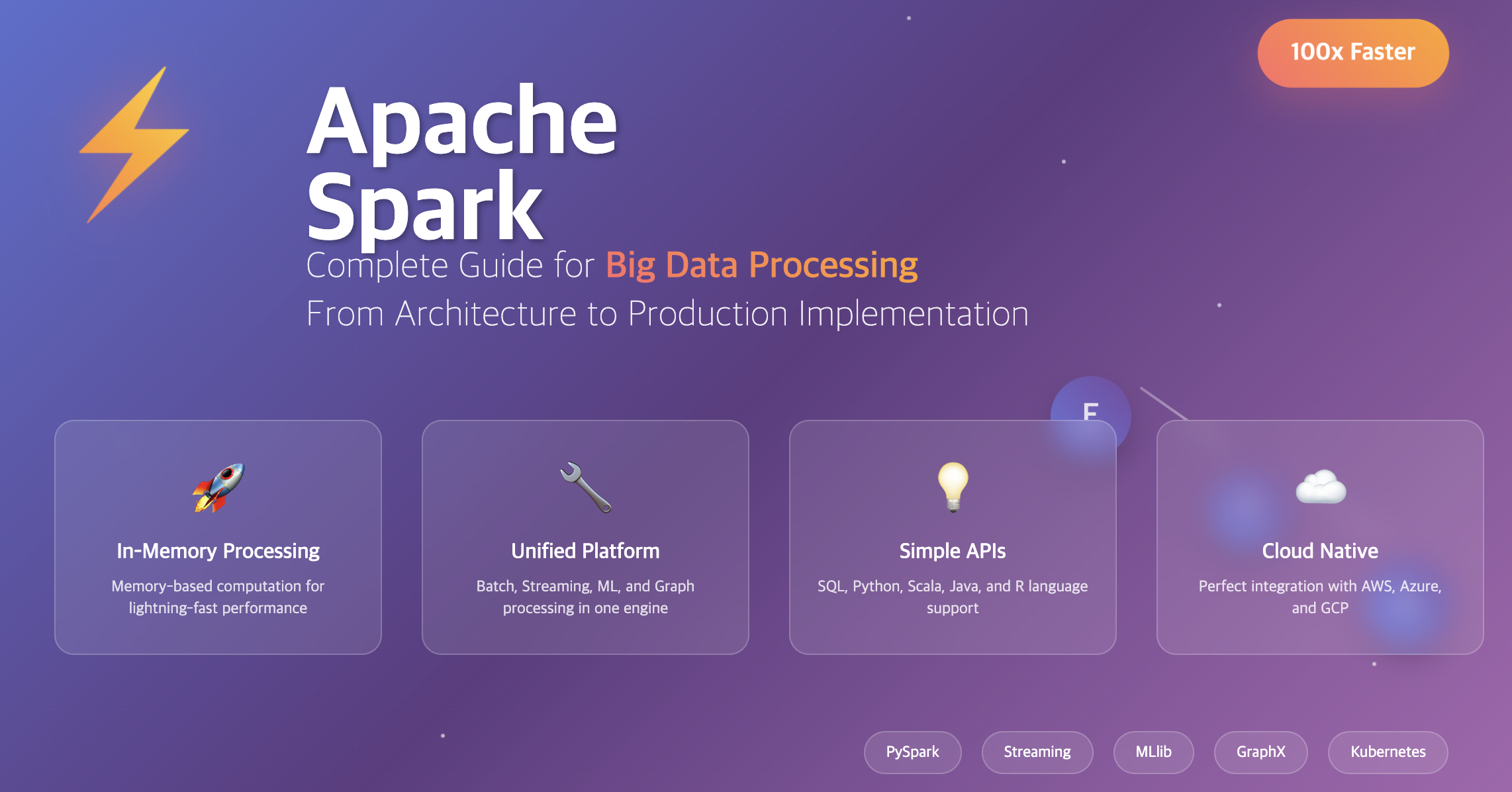
Apache Spark emerged to solve these problems. Apache Spark is an open-source distributed processing framework designed to process large-scale data quickly with in-memory computation.
Beyond simple batch processing, its greatest advantage is the ability to handle real-time streaming, machine learning, and SQL analytics in an integrated manner on a single platform.
This guide covers everything from Spark concepts and architecture to practical environments, Hadoop comparisons, and real-world use cases.
What is Apache Spark?
Apache Spark is an open-source distributed processing framework for fast processing of large-scale data. It enables much faster and more flexible analysis through in-memory computation compared to traditional Hadoop MapReduce.
While maintaining the core principle of distributed processing - “divide data and process simultaneously” - it provides much more intuitive APIs and higher performance.
Spark vs Hadoop MapReduce Comparison
- Processing Speed → Spark: 100x faster with in-memory processing vs Hadoop's disk-based approach
- Code Complexity → Spark: Simple DataFrame/SQL API vs MapReduce's complex implementation
- Unified Platform → Spark: Batch + Streaming + ML in one engine vs Hadoop's separate tools
- Real-time Processing → Spark: Built-in Structured Streaming vs Hadoop's external systems
Spark Core Components
Apache Spark consists of several key components that work together to provide a unified data processing platform.
Spark Architecture Overview
Core Components Table
| Component | Description |
|---|---|
| RDD (Resilient Distributed Dataset) | Immutable distributed collection. Fundamental data structure of Spark. |
| DataFrame / Dataset | Higher-level abstraction than RDD. Can be processed like SQL with better optimization. |
| Spark SQL | Data analysis using SQL syntax. Supports Hive integration. |
| Spark Streaming | Real-time data streaming processing. Often used with Kafka. |
| MLlib | Machine learning library with distributed learning support. |
| GraphX | Graph processing API. Used for Social Graph, Recommendations, etc. |
Spark Architecture Deep Dive
Understanding Spark’s architecture is crucial for optimizing performance and troubleshooting issues.
Driver and Executor Architecture
Spark applications consist of a Driver and multiple Executors:
- Driver: Creates and manages the execution plan (DAG) of the application
- Executor: Worker nodes that perform actual data computation
- Cluster Manager: Handles resource allocation (YARN, Mesos, Standalone, Kubernetes)
Spark uses Lazy Evaluation to build an optimized DAG before execution, reducing unnecessary operations and improving performance.
Detailed Comparison: Spark vs Hadoop
| Aspect | Hadoop MapReduce | Apache Spark |
|---|---|---|
| Processing Method | Disk-based (slower) | Memory-based (faster) |
| Code Complexity | Direct Map, Reduce implementation | SQL, DataFrame, functional-based concise code |
| Streaming Support | Requires external systems | Built-in Structured Streaming |
| ML Support | External integration (Mahout, etc.) | Built-in MLlib |
| Performance | Slower due to disk I/O | Up to 100x faster with in-memory processing |
Spark Environment Setup
Setting up Spark for development and production environments with various deployment options.
Local Installation
# Download and install Spark
wget https://downloads.apache.org/spark/spark-4.0.0/spark-4.0.0-bin-hadoop3.tgz
tar -xzf spark-4.0.0-bin-hadoop3.tgz
cd spark-4.0.0-bin-hadoop3
./bin/spark-shell
Cloud Environment Options
- Databricks: Most popular managed Spark service with collaborative notebooks
- AWS EMR: Amazon's Hadoop/Spark cluster service with auto-scaling
- Google Dataproc: Google Cloud's Spark service with BigQuery integration
- Azure HDInsight: Microsoft's big data platform with Azure ecosystem
Practical Spark Code Examples
Real-world examples demonstrating Spark’s capabilities for data processing and analytics.
PySpark Basic Example
Real-time Streaming Example
Performance Optimization Strategies
Key techniques for optimizing Spark performance in production environments.
1. Partitioning Strategy
2. Caching for Performance
# Cache frequently used DataFrames
df_cached = df.filter(col("status") == "active").cache()
df_cached.count()  # Store in cache
df_cached.groupBy("category").count().show()  # Read from cache
3. Broadcast Joins
from pyspark.sql.functions import broadcast

# Broadcast small tables for join performance
large_df.join(broadcast(small_df), "key").show()
- Use appropriate file formats: Parquet for columnar data, Delta Lake for ACID transactions
- Optimize partition size: Target 128MB-1GB per partition
- Cache strategically: Cache DataFrames used multiple times
- Use broadcast joins: For small dimension tables (<200MB)
Real-world Use Cases
Practical implementations of Spark in various business scenarios.
1. Log Analysis System
2. Recommendation System Data Preparation
from pyspark.ml.recommendation import ALS
from pyspark.ml.evaluation import RegressionEvaluator

# User-product rating data preparation
ratings = spark.read.csv("ratings.csv", header=True, inferSchema=True)

# ALS model training
als = ALS(userCol="user_id", itemCol="product_id", ratingCol="rating")
model = als.fit(ratings)

# Generate recommendations
user_recs = model.recommendForAllUsers(10)
user_recs.show()
3. ETL Pipeline Implementation
Cluster Setup and Deployment
Guide for setting up Spark in production environments with different cluster managers.
Standalone Cluster Configuration
YARN Cluster Execution
Monitoring and Debugging
Essential techniques for monitoring Spark applications and troubleshooting issues.
1. Spark UI Utilization
# Access Spark UI during application execution
# http://driver-node:4040

# Key areas to monitor:
# - Jobs tab: Job execution status and timing
# - Stages tab: Detailed stage-level information
# - Storage tab: Cached RDD/DataFrame information
# - Executors tab: Executor resource usage
2. Log Level Configuration
# Adjust log level
spark.sparkContext.setLogLevel("WARN")

# View detailed execution plan
df.explain(True)  # Shows physical execution plan
3. Performance Metrics Collection
# Enable metrics
spark.conf.set("spark.sql.adaptive.enabled", "true")
spark.conf.set("spark.eventLog.enabled", "true")
spark.conf.set("spark.eventLog.dir", "/tmp/spark-events")

# Measure execution time
import time
start_time = time.time()
result = df.count()
end_time = time.time()
print(f"Execution time: {end_time - start_time:.2f} seconds")
Data Format Optimization
Choosing the right data formats for optimal Spark performance.
Parquet (Recommended Format)
# Parquet read/write - columnar storage for optimal performance
df.write.mode("overwrite").parquet("data.parquet")
df_parquet = spark.read.parquet("data.parquet")

# Automatic partition pruning
df_parquet.filter(col("year") == 2024).show()
Delta Lake (ACID Transaction Support)
# Create Delta table
df.write.format("delta").mode("overwrite").save("delta-table")

# ACID transactions for updates
from delta.tables import DeltaTable
deltaTable = DeltaTable.forPath(spark, "delta-table")
deltaTable.update(
    condition = col("status") == "pending",
    set = {"status": lit("processed")}
)
JSON Data Processing
Common Issues and Solutions
Troubleshooting guide for frequent Spark problems in production environments.
1. OutOfMemoryError
# Solution: Adjust partition count and memory settings
spark.conf.set("spark.sql.adaptive.enabled", "true")
spark.conf.set("spark.sql.adaptive.coalescePartitions.enabled", "true")
df.repartition(200).write.parquet("output")  # Increase partition count
2. Data Skew Problems
# Solution: Add salt key for data distribution
from pyspark.sql.functions import rand, concat, lit

# Add random salt to skewed keys
df_salted = df.withColumn("salted_key", concat(col("skewed_key"), lit("_"), (rand() * 10).cast("int")))
3. Shuffle Performance Issues
- Monitor resource usage: Use Spark UI and cluster monitoring tools
- Optimize for your workload: Different optimization strategies for batch vs streaming
- Test with production data volumes: Performance characteristics change with scale
- Implement proper error handling: Include retry logic and graceful degradation
Security Configuration
Essential security practices for production Spark deployments.
1. Authentication and Encryption
2. Data Masking
from pyspark.sql.functions import regexp_replace

# Personal information masking
masked_df = df.withColumn(
    "phone",
    regexp_replace(col("phone"), r"(\d{3})-(\d{4})-(\d{4})", r"$1-****-$3")
)
Cost Optimization Strategies
Techniques for reducing Spark infrastructure costs while maintaining performance.
1. Resource Optimization
# Enable dynamic allocation
spark.conf.set("spark.dynamicAllocation.enabled", "true")
spark.conf.set("spark.dynamicAllocation.minExecutors", "1")
spark.conf.set("spark.dynamicAllocation.maxExecutors", "20")
2. Spot Instance Usage (AWS EMR)
Key Points
-
Performance Advantage
- 100x faster than Hadoop MapReduce with in-memory processing
- Unified platform for batch, streaming, ML, and graph processing
- Lazy evaluation and DAG optimization for efficiency
- Support for multiple programming languages (Python, Scala, Java, R) -
Architecture Benefits
- Driver-Executor model for distributed processing
- Flexible deployment options (Standalone, YARN, Kubernetes)
- Rich ecosystem with DataFrame/Dataset APIs
- Built-in optimization through Catalyst query engine -
Production Considerations
- Proper resource allocation and monitoring essential
- Choose appropriate file formats (Parquet, Delta Lake)
- Implement comprehensive error handling and security
- Optimize for your specific workload characteristics
Conclusion
Apache Spark has established itself as the core technology for modern big data processing. By solving the complexity and performance limitations of traditional Hadoop ecosystems, it provides the ability to handle everything from batch processing to real-time streaming and machine learning on a single unified platform.
The performance improvements from in-memory processing and intuitive APIs have made it an accessible tool for both data engineers and data scientists. Whether you know SQL (Spark SQL), Python (PySpark), or Scala (native Spark API), you can approach it in the way that suits you best.
Future Trends
As real-time data processing needs continue to grow, Spark’s utilization in cloud-native environments will expand further. Enhanced Kubernetes support, Delta Lake integration, and ML pipeline automation through MLflow are making the Spark ecosystem even richer.
Technology Recommendations
- Batch Processing: Hadoop + Spark + Airflow
- Real-time Streaming: Kafka + Spark Streaming + Delta Lake
- Cloud Data Warehouse: Databricks + Spark + Unity Catalog
- Machine Learning: MLlib + MLflow + Feature Store
“If you’re starting to work with big data, Spark will become a necessity, not just an option.” Let’s begin the journey!

Comments